.png)
Agents
The Agents tab of the System section of the Admin Web Console provides the Signum Administrator access to view the connected Signum Agents.
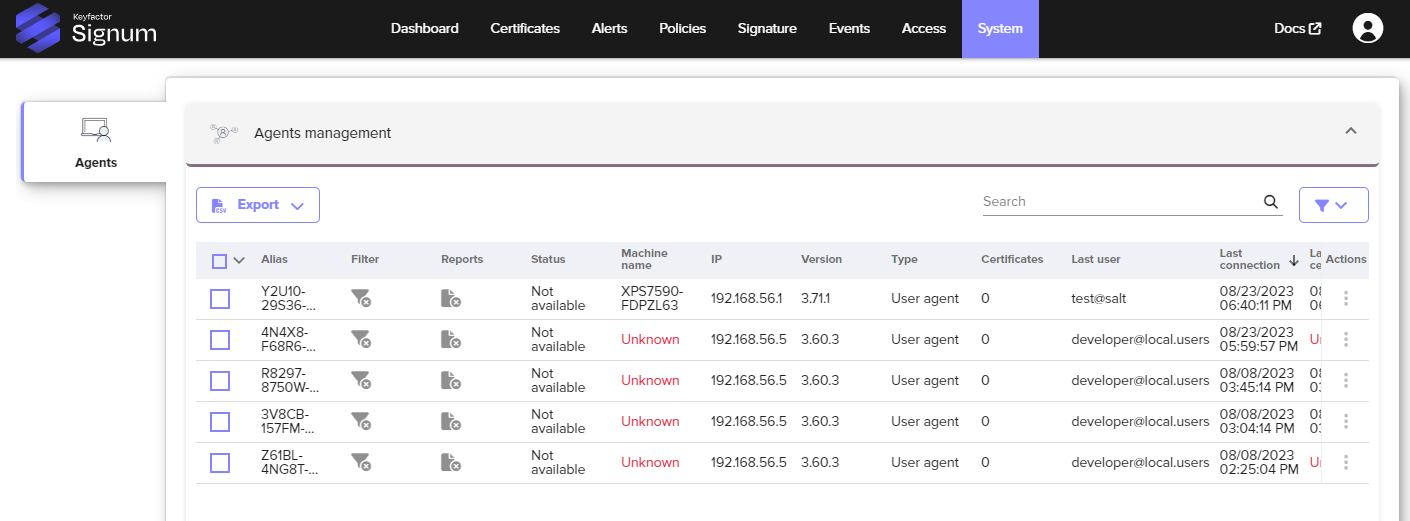
The columns have the following information:
Item | Description |
|---|---|
Alias | The unique Alias of the Agent. |
Filter | Enable to reduce traffic to the server from applications that are not associated with policies, reducing the number of events that are logged. |
Reports | Enable to configure the Agent to send a report which includes information (Certificates / thumbprints) of all certificates installed on the machine in the certificate store. To configure by default for every newly installed agent, contact Keyfactor. |
Machine name | The name of the PC/Machine. |
IP | The IP Address from the machine where the Agent is installed. |
Version | The current version of the Agent. |
Type | Indicates user or server agent. |
Certificates | This value is not reported for Signum. |
Last User & Use | The last user and the time and date when the certificate was used. |
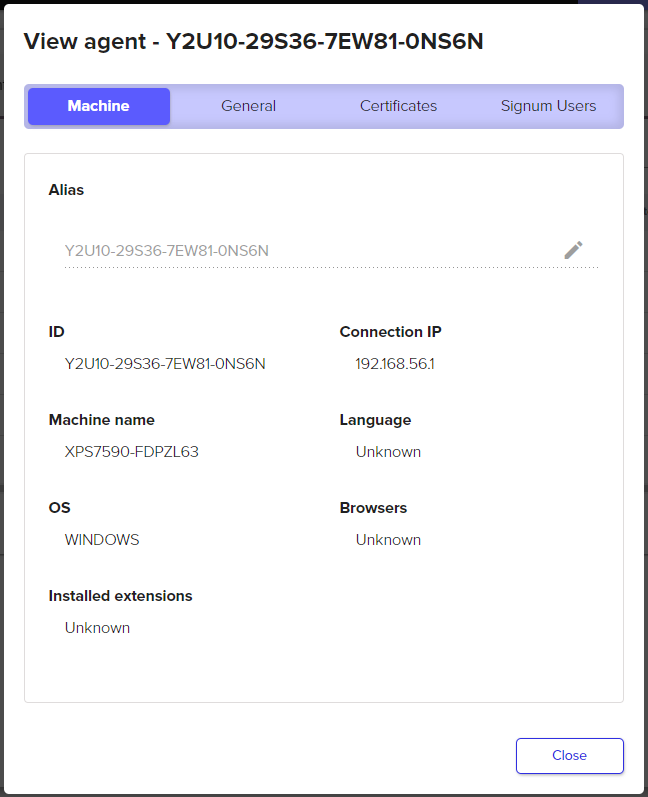
Selecting an individual agent brings up additional information about that Agent.
Machine Information
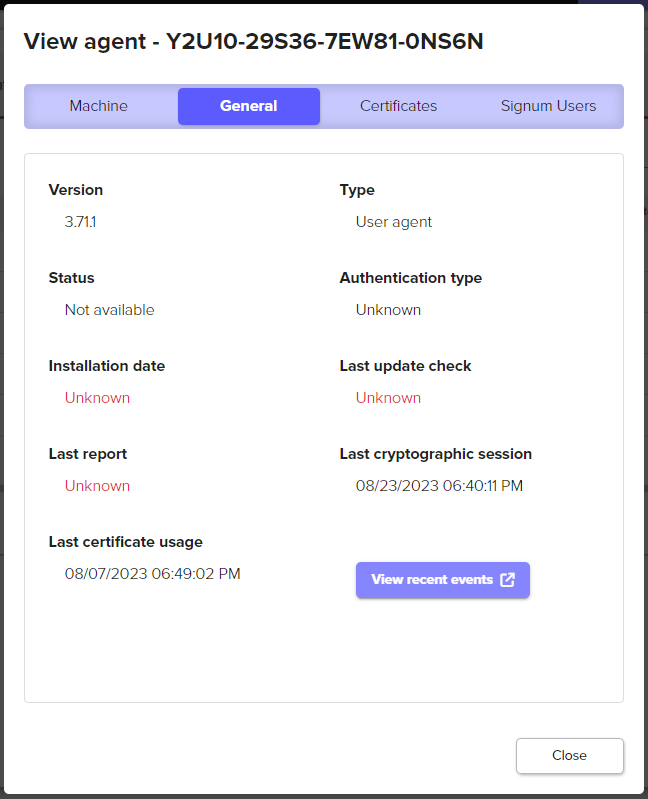
General Information
Selecting View recent events opens the event log with a pre-defined filter showing just the certificate usage events for this specific agent.

The session time is reported in UTC.
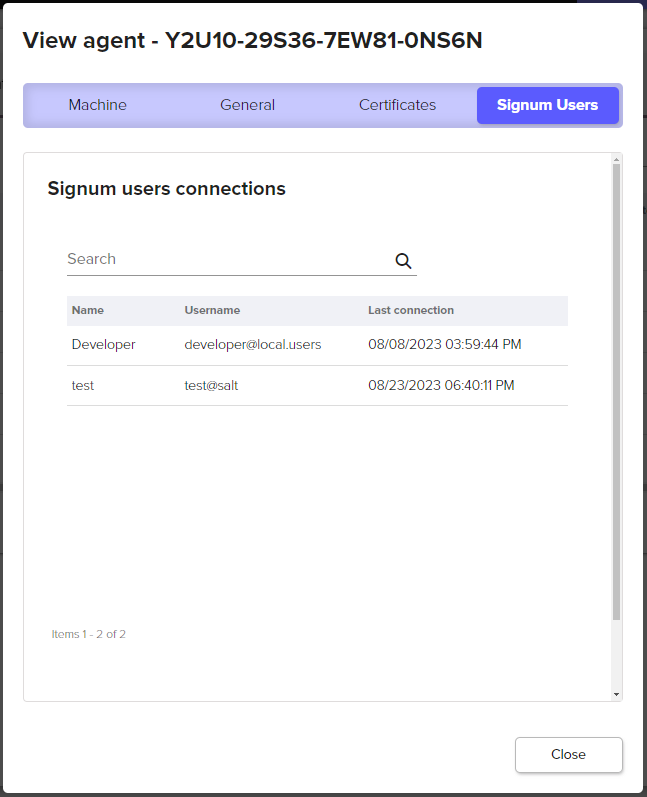
Keyfactor Users
The Signum Users tab shows users that have authenticated to this Agent in the past: