.png)
For the following process description, we have used the following:
-
Smart card: MARX CrypToken from SafeSign
-
Operating system: Ubuntu 14.04
-
Drivers used for the smart card: SafeSignIdentityClient-3.0-33.amd64.deb
The process can be followed analogously with other smart cards.
Proceed as follows to install the super admin certificate via Firefox:
-
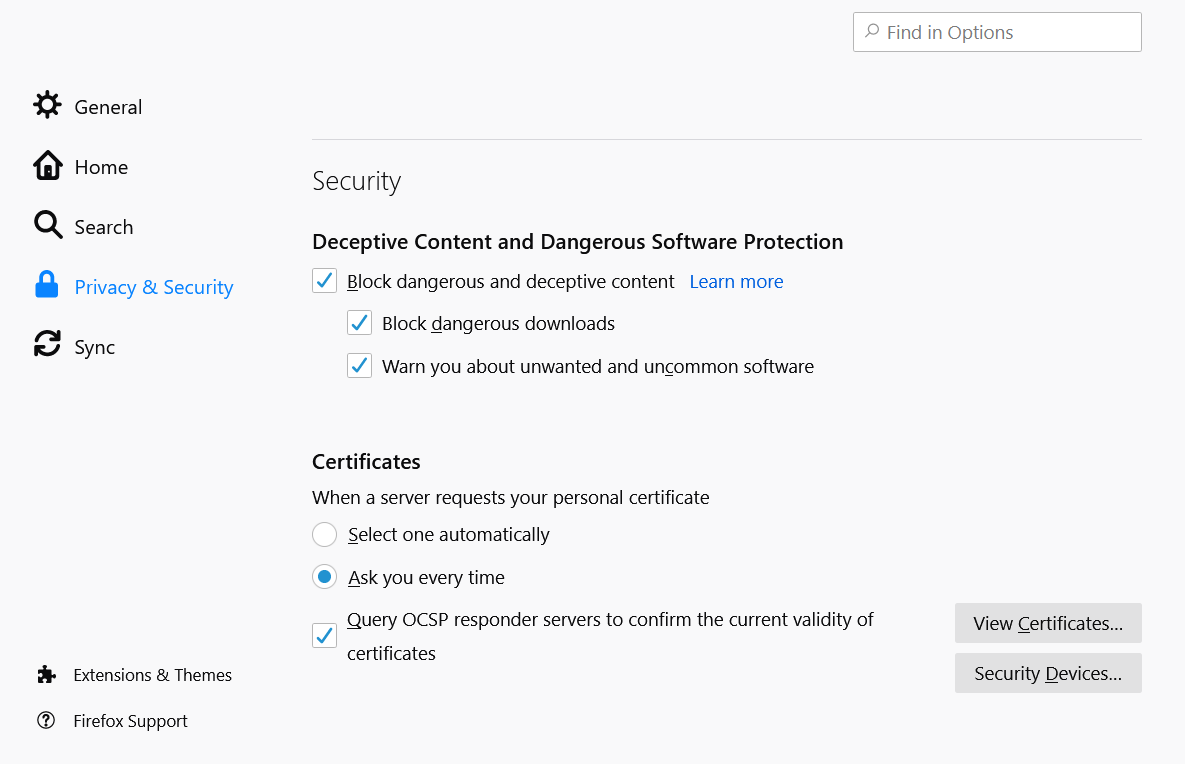
In Firefox, open Options, click Privacy & Security in the left-side bar and scroll down to the section Security:
-
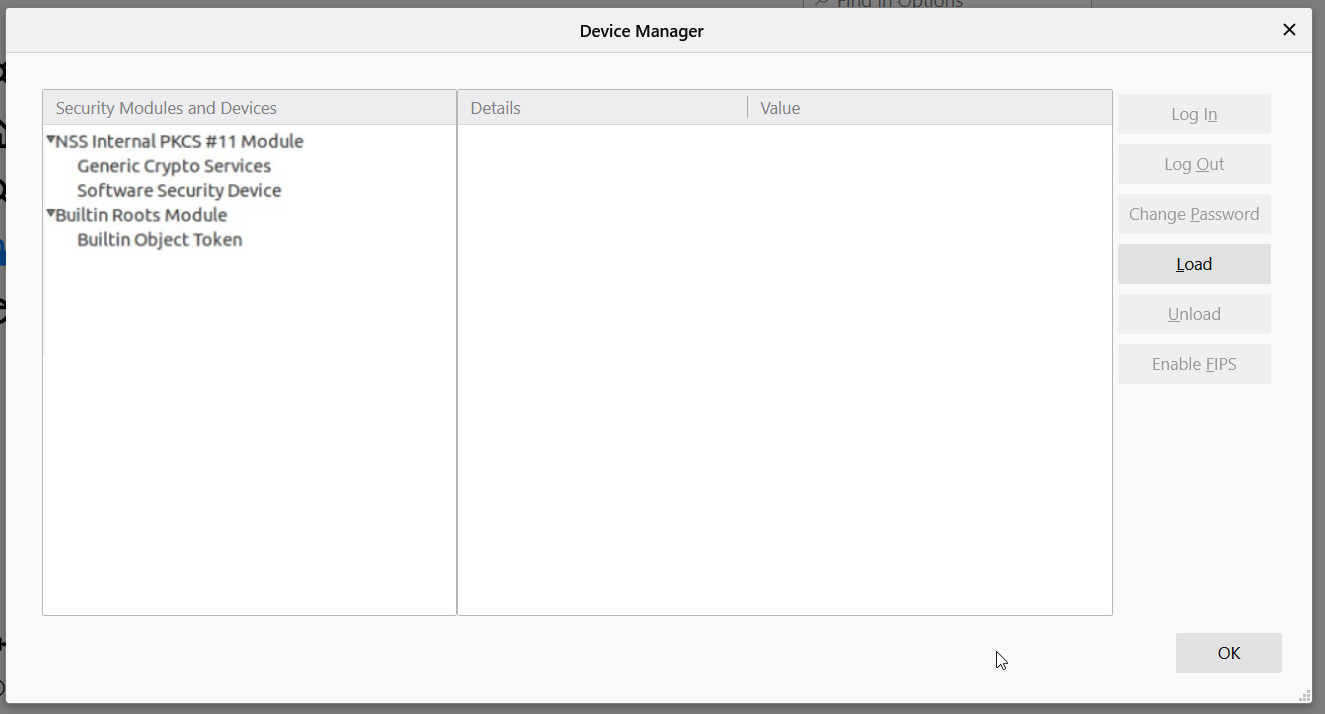
Click Security Devices... to open the Firefox Device Manager:
-
Click Load on the right to define a new security device.
-
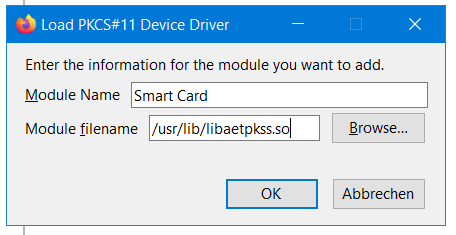
In the Load dialog, enter Module Name and Module filename. The value for Module filename must point to the library that the smart card is using:
-
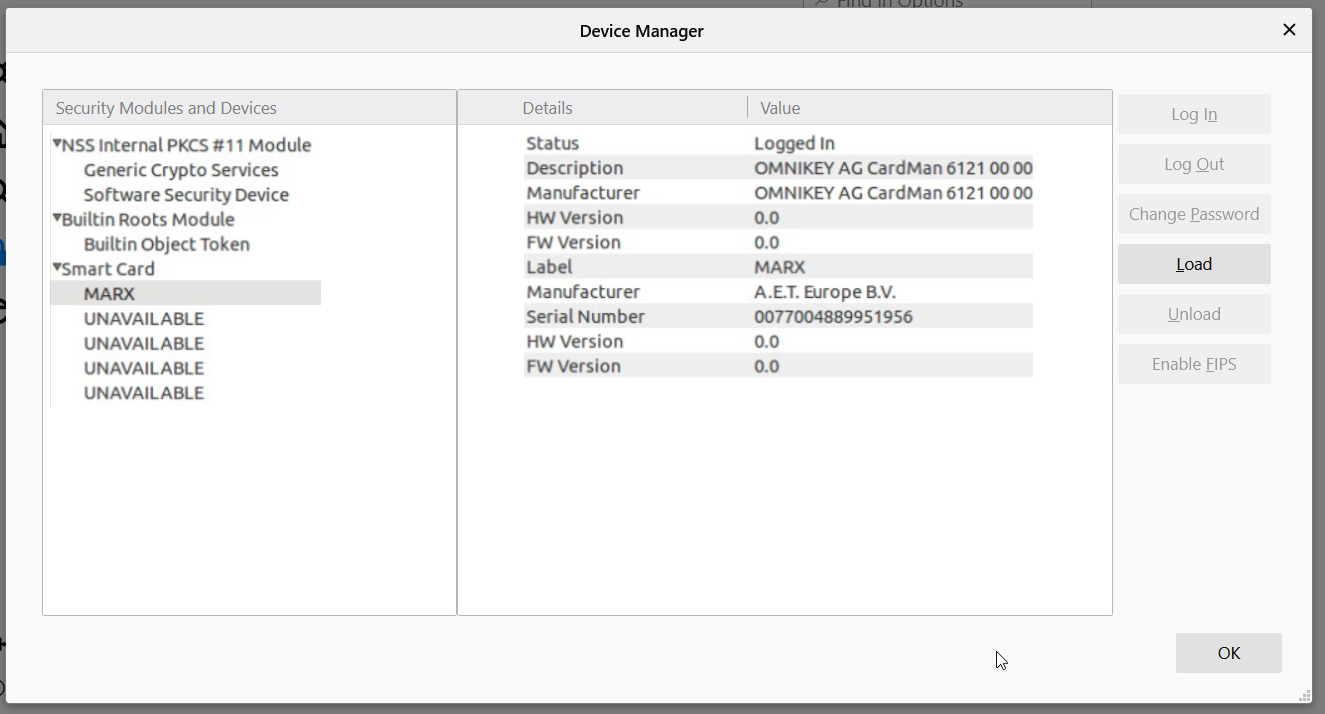
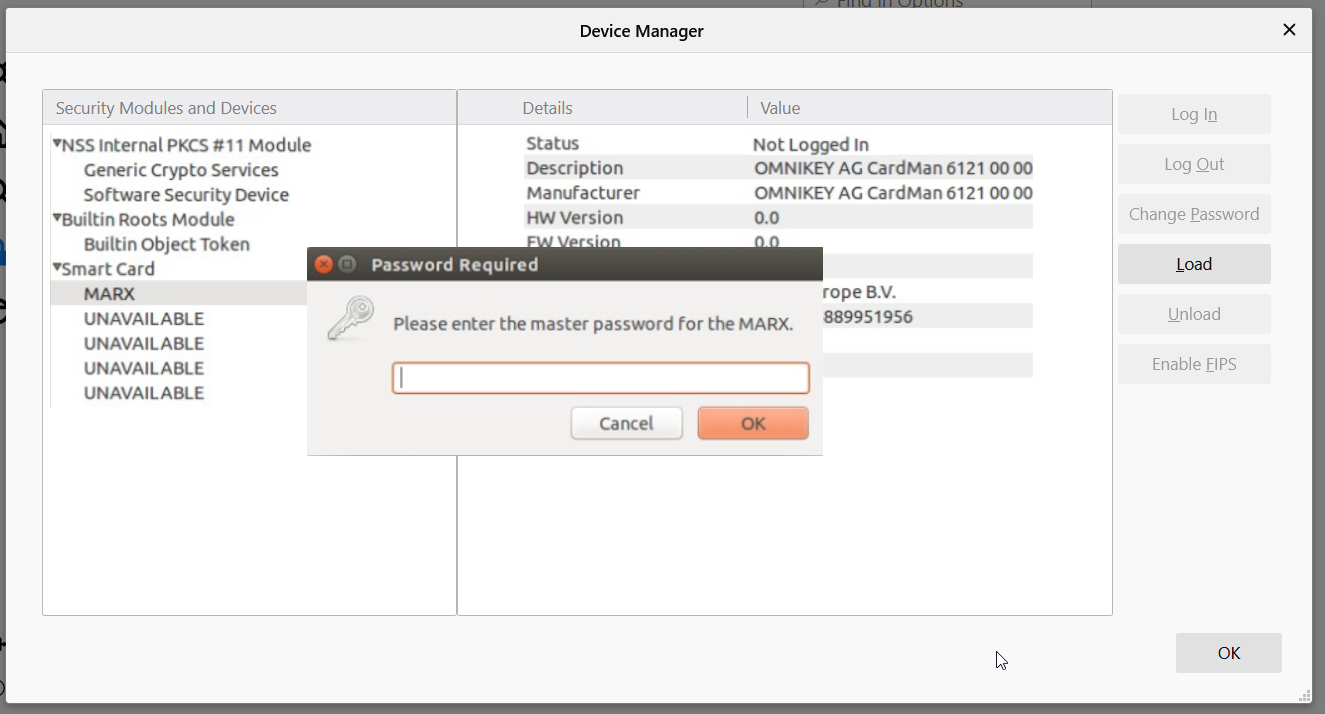
The new device is now listed in the Device Manager window.
Select the device, click Load from the side menu and enter the master password of the smart card.
-
Click OK to log in. With the successful login the smart card is correctly configured with Firefox.