.png)
A service can be created to automatically update the key used for the authentication key binding key. This is done via an EJBCA service.
To create a service to automatically renew the key binding key:
-
Select Services under System Functions.
-
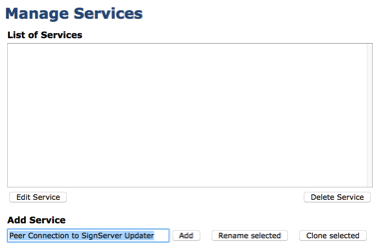
Under Add Service, enter the name Peer Connection to SignServer Updater and click Add.
-
Select the newly added service, click Edit Service and set the following attributes:
-
Select Worker: Remote Internal Key Binding Updater
-
Peer System: Peer Connection to SignServer
-
Renew key pair: Selected
-
Active: Selected
-
-
Click Save.