.png)
You can open the Software Appliance Terminal UI by clicking the Software Appliance preview in your virtualization environment:
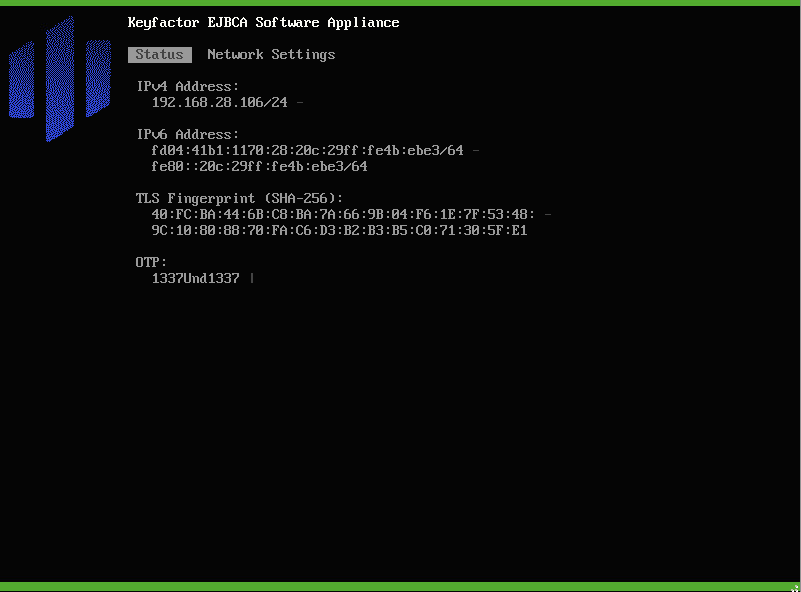
The Terminal UI offers the following pages:
Status
This page provides information about the IP Addresses, TLS Fingerprint, and the OTP of the Software Appliance.
Network Settings
On this page you will find various options for Changing the Network Settings of the Software Appliance.