.png)
Do not delete the preconfigured CA. Keyfactor Customer Service must be called if it is deleted to get it re-created.
To authenticate and verify your external CA connection:
-
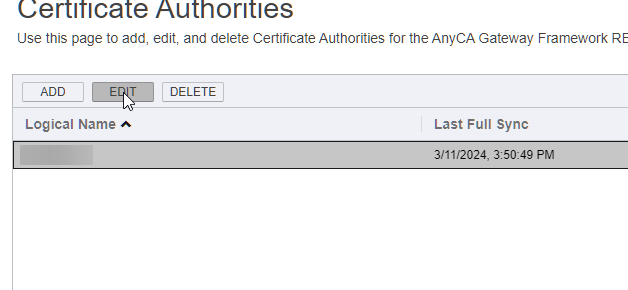
Highlight your preconfigured CA, and then click the Edit button.
-
On the Edit CA window, click the CA Connection tab.
-
Configure the CA Connection tab based on your external CA provider
-
Enable the CA connection by clicking the Enabled field and changing its value to True and then clicking Save.
-
Click the Basic tab on the Edit CA window.
-
Continue to Setting up Sync with your public CA .