.png)
The Keyfactor AnyCA Gateway REST helps link your Command instance to a third-party issuing CA, making communication smooth and seamless. The Gateway REST acts as a bridge between Command and the CA.
Depending on configuration, the Gateway offers various certificate management features, including:
-
Certificate enrollment and revocation: Easily request or invalidate certificates
-
Certificate chain retrieval: Quickly fetch full certificate chains for hassle-free installation
-
Certificate inventory view: Get a comprehensive overview and search through existing certificate information
-
Certificate renewal: Renew certificates as they near expiration to maintain smooth operations
In Command SaaS, the CA specific gateways are deployed and run in the SaaS infrastructure with a single click , but there are a few configuration items that must be completed in order to fully utilize a given CA.
Pre-configuration notes
-
Before you start configuration, make sure you have your API key ready. Details on how to get an API key are on the CA specific pages.
-
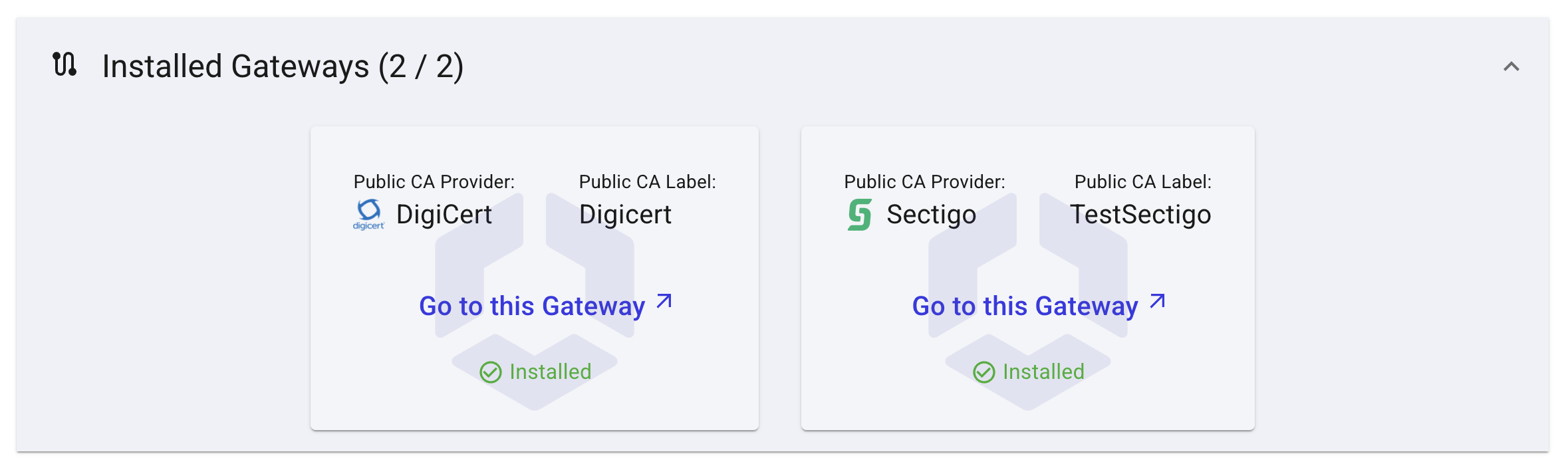
Configuration is completed from within the AnyCA Gateway Portal UI in Command, which is accessed using the link/URL on the Gateways tab of the SaaS Portal.
To access your AnyCA Gateway, click the Go to AnyCA Gateway link.
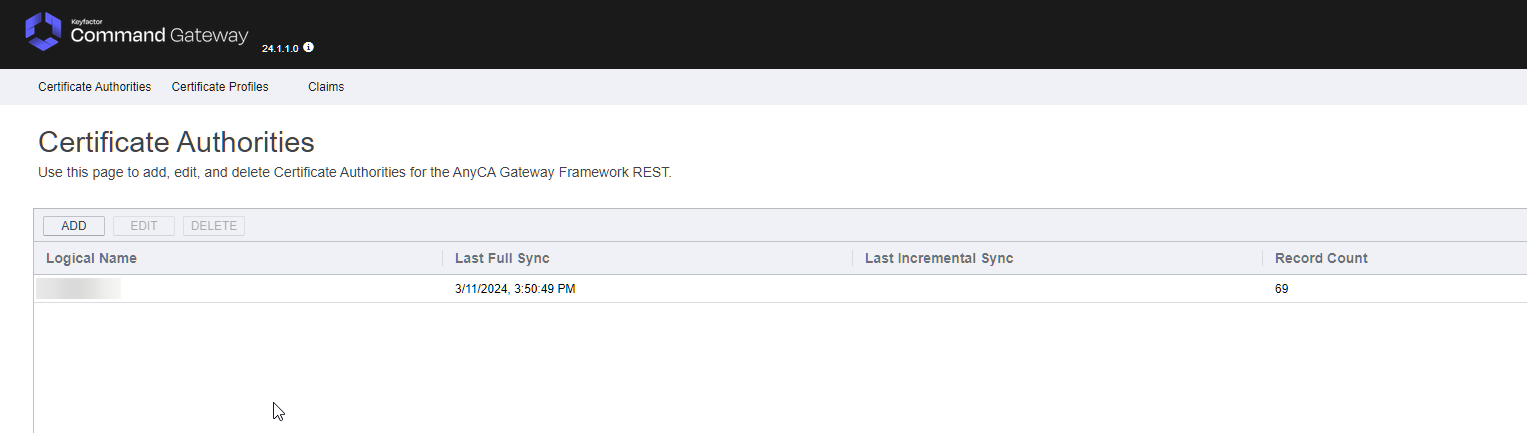
The Certificate Authorities screen appears in a new tab, and shows the list of CAs configured through the Gateway.