.png)
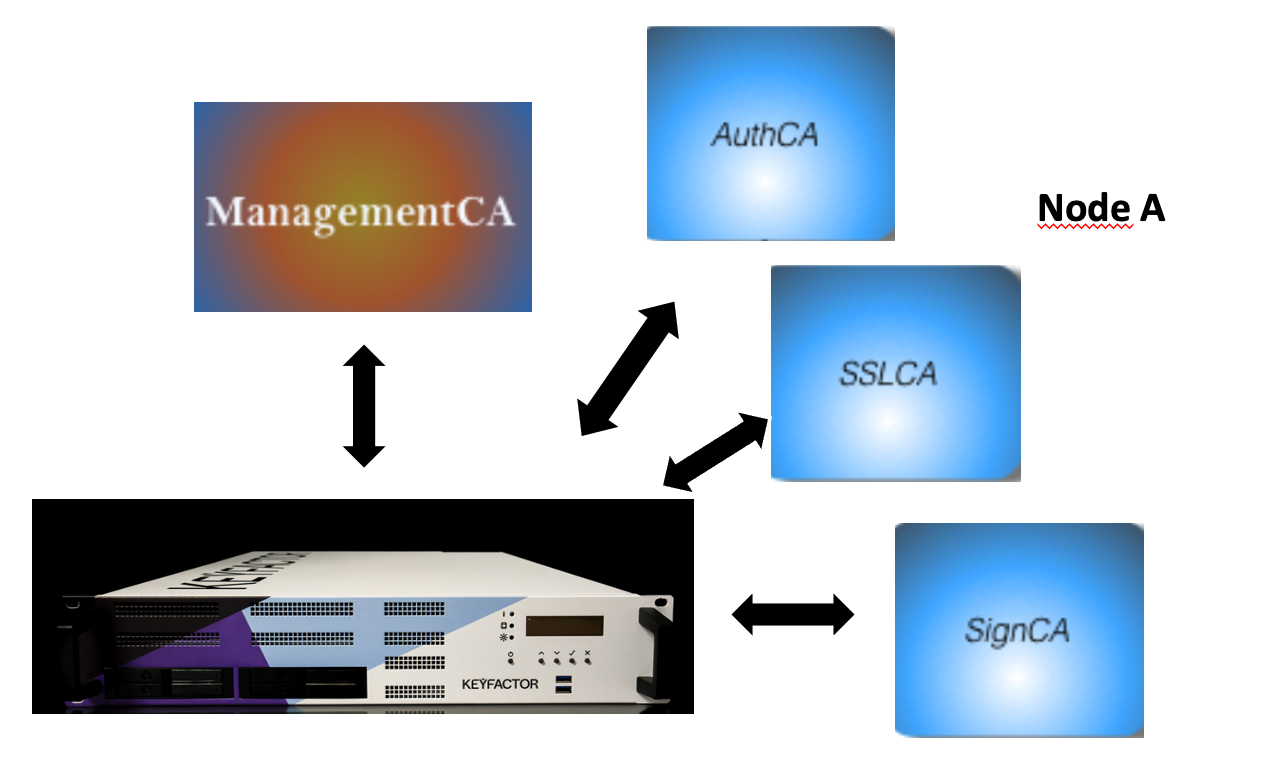
The following describes the creation of multiple CAs to illustrate how authorities are created. To explain how to manage the certificate lifecycle with EJBCA, the following CAs are created:
-
Root CA named 'RootCA' as ROOTCA
-
SSL CA named 'SSLCA' as SubCA
-
Authentication CA named 'AuthCA' as SubCA
-
Signing CA named 'SignCA' as SubCA
In this scenario you have two devices:
-
one is hosting the SubCAs (Node A)
-
one is hosting the ROOTCA (Node B)
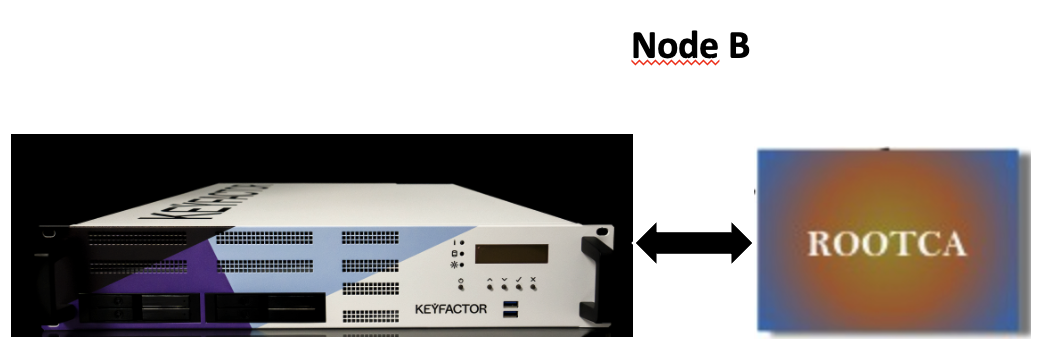
The EJBCA Hardware Appliance that hosts ROOTCA (Node B) will be offline after the successful setup of the SubCAs.
The steps to perform are described in the following sections:
-
Step 1: Create the RootCA in Node B -
Step 2: Create the Certificate Profile for SubCAs in Node B -
Step 3: Create the End Entity Profile for SubCAs in Node B -
Step 4: Import the RootCA as External CA in Node A -
Step 5: Create the SignCA as SubCA in Node A -
Step 6: Create the AuthCA as SubCA in Node A -
Step 7: Create SSLCA as SubCA in Node A -
Step 8: Create Certificate Profiles for End Entities that use the SubCAs in Node A -
Step 9: Create End Entity Profiles for SubCAs in Node A -
Step 10: Create End Entities that use the SubCAs in Node A