.png)
The following covers how to build and sign the software artifact.
The following instructions assume that EJBCA, SignServer and Jenkins instances have been set up. The Jenkins server is pre-configured with a pipeline to build the sample Java project, but some configuration is needed to use the SignServer instance. For more information, see Prerequisites: Set up Instances.
Run the Pipeline
When making changes in Git, and pushing them with git stage and git commit, the pipeline is built automatically after a while, with a poll interval configured in Jenkins.
To trigger a build manually, forcing the pipeline to run even if nothing is changed, perform the following in the Jenkins Admin UI:
-
Click Open Blue Ocean on the left to access Jenkins’s Blue Ocean interface.
-
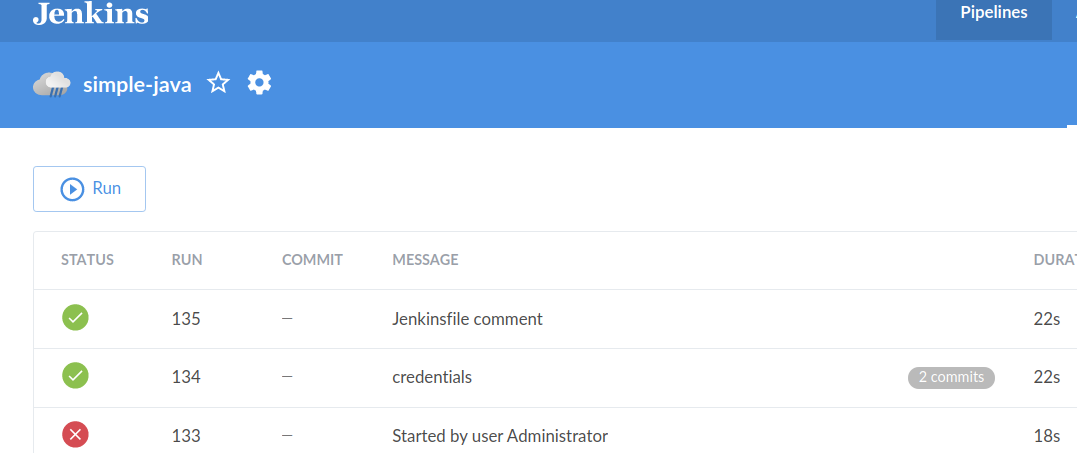
Click on the simple-java pipeline to view previous executions of the pipeline.
-
Click Run to start the build/test/deliver process.
-
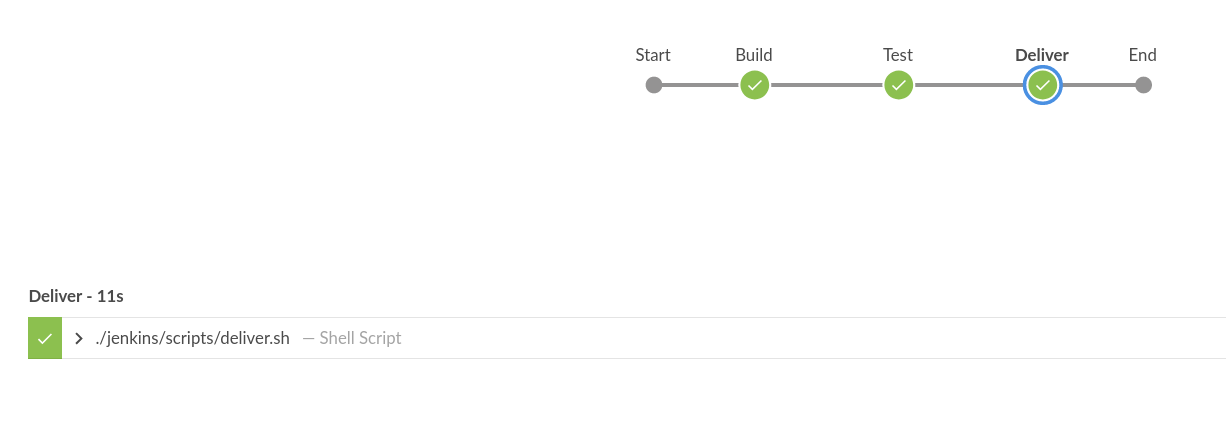
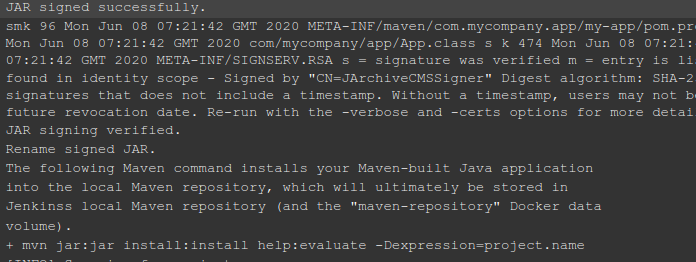
Click the running job to drill down on the output from the scripts.
Related Topics
-
Regenerate TLS Keys and Certificates - Information on generating new TLS certificates to match new host names assigned to Amazon's Elastic Compute Cloud (EC2) instances after a restart. Also, instructions on how to generate a new AuperAdmin keystore.