.png)
The EJBCA CA and RA UIs have two main authentication methods, client certificate and OAuth. In addition, the RA UI can be configured for public access without any type of certificate token needed at all.
Using Client Certificates
The classic way of authenticating to the EJBCA UI is using a client certificate, normally issued by the Management CA.
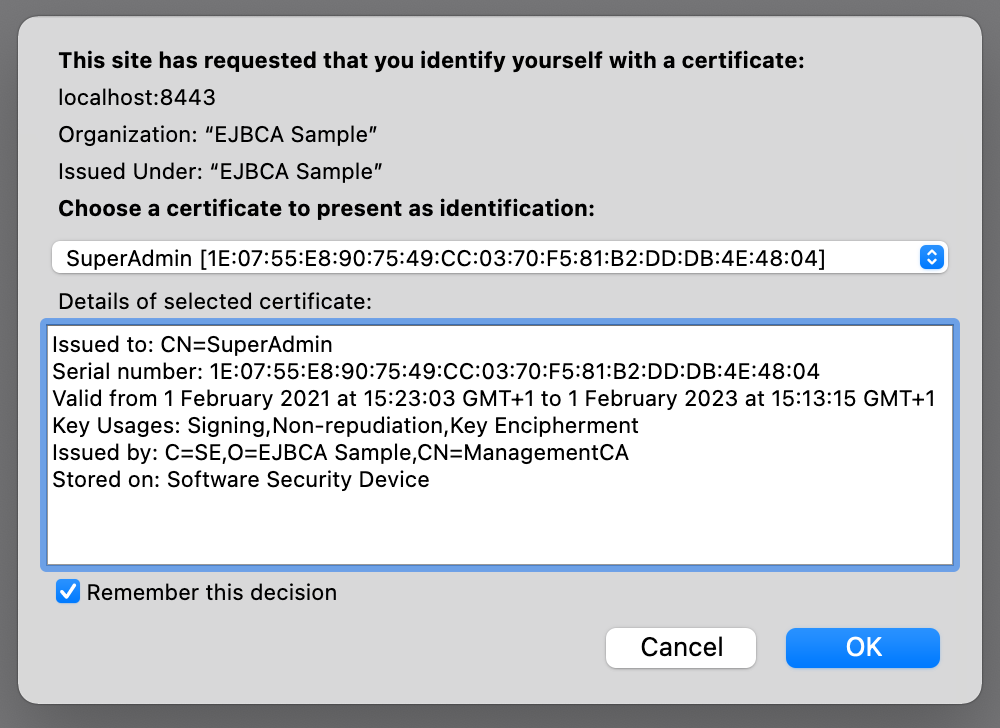
The key pair for this certificate can either be manually generated by the end user and later enrolled on the RA or generated on the CA, which may be desirable if key recovery is to be employed.
EJBCA also supports access using key pairs generated on USB Tokens and Smart cards. See Access EJBCA using USB Tokens and Smart Cards for a complete list of supported devices and workflows to integrate them.
Using OAuth
The second method of providing authentication for uses in EJBCA is using an external OAuth provider. This provides an easy and simple access point for using EJBCA with an existing OAuth solution, both hosted locally or from the cloud. See OAuth Providers for currently tested providers and workflows on how to integrate.
Setting up the RA for Public Access
In a trusted environment you may likely want to make the EJBCA RA publicly accessible for initial user enrollment.
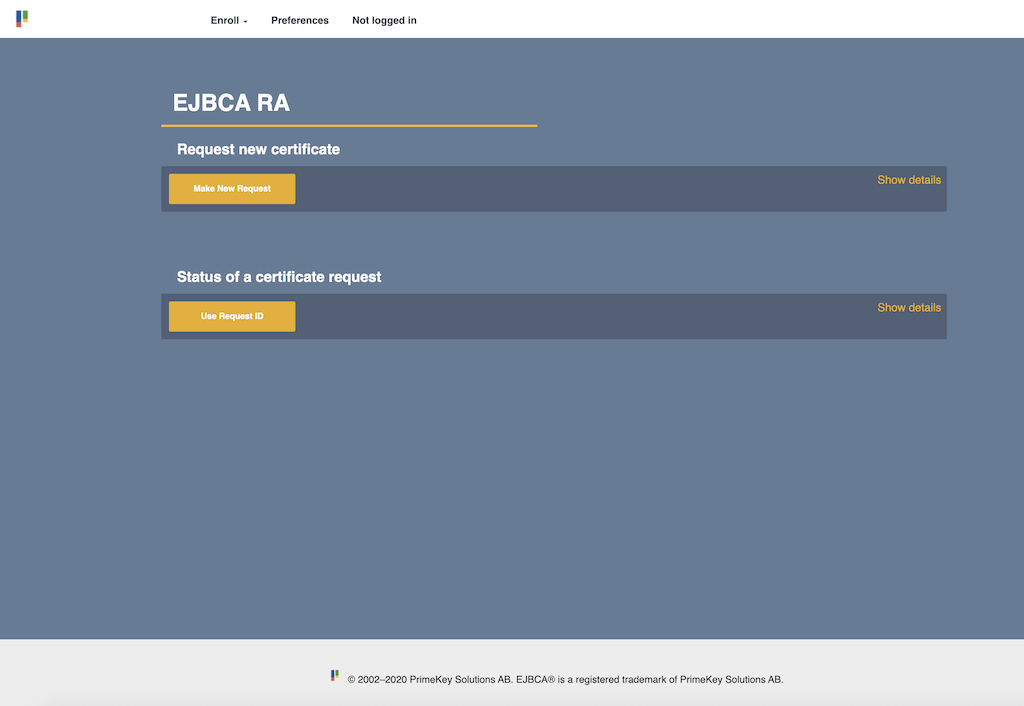
For instructions on setting up the EJBCA RA for public access, see Configure EJBCA for Public Access.
It is possible to set up the EJBCA CA for public access as well, but this configuration is highly discouraged.