.png)
The Signum Admin Web Console is the web-based interface for managing all aspects of Signum: certificates, signing policies, users, alerts, and Agent monitoring. You can access the console using the URL of your Signum deployment.
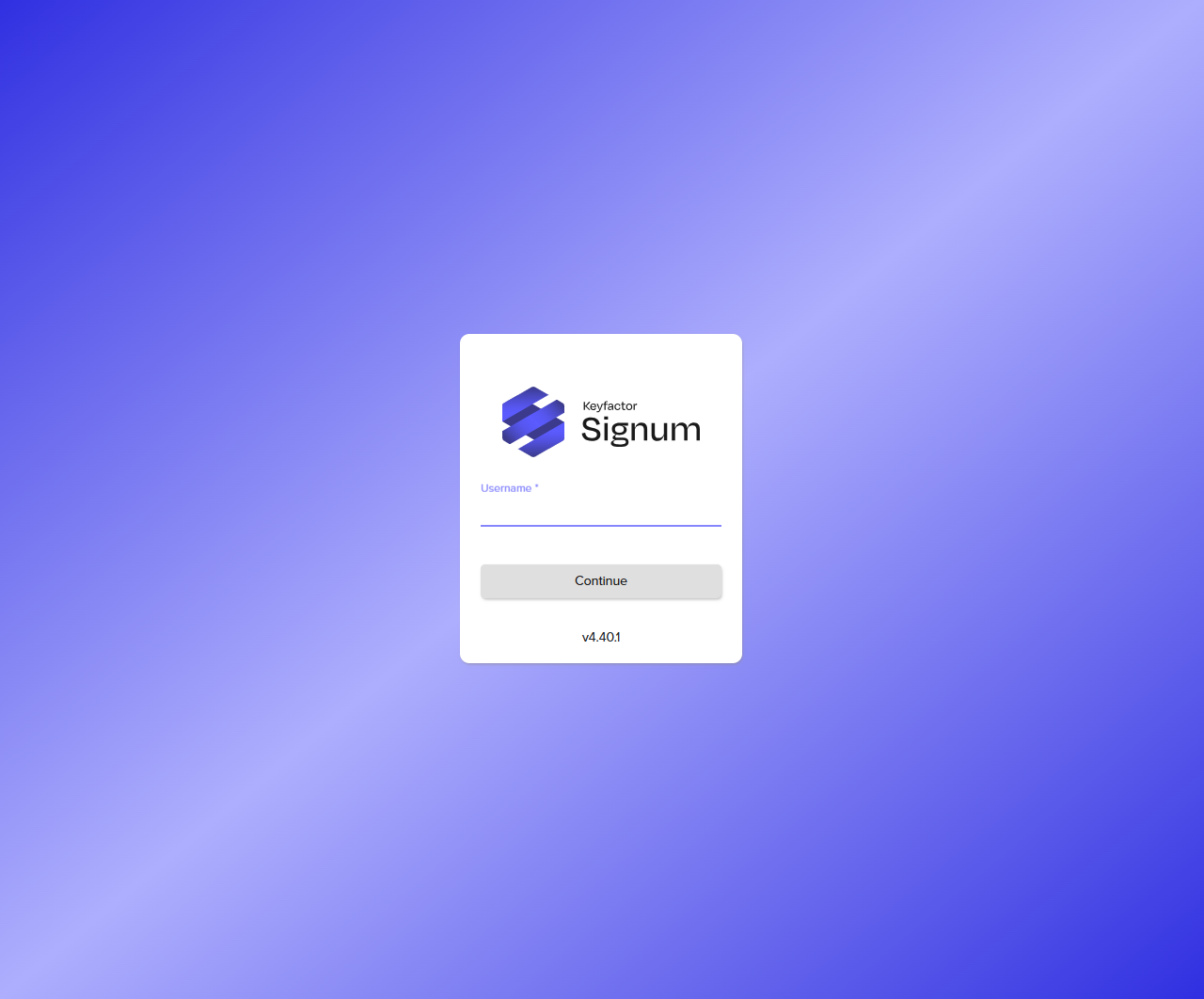
You must be assigned the Signum Administrator role, or a role with the relevant permissions, to interact with the Admin Web Console. Users assigned the Signum Viewer role can view Certificates and Events but cannot make changes. For more information, see User Management.
Sections
|
Section |
Description |
|---|---|
|
View recent signing activity, upcoming certificate expirations, and a summary of connected Agents. |
|
|
Generate certificate signing requests (CSRs), import signed certificates, manage certificate groups, and view or transfer certificate ownership. |
|
|
Create and manage policies that control which users can sign with which certificates, from which applications, and at what times. |
|
|
Configure email notifications for certificate usage events and upcoming expirations. |
|
|
View the full audit log of all signing operations, policy decisions, agent connections, and system events. Optionally forward logs to Syslog or Splunk. |
|
|
Manage authentication domains (SAML, OAuth2, local users, certificate users) and role-based access control for the Admin Web Console. |
|
|
Monitor connected agents and configure external log forwarding. |
User Profile
Select the profile icon in the top right corner to access your profile settings and to logout:
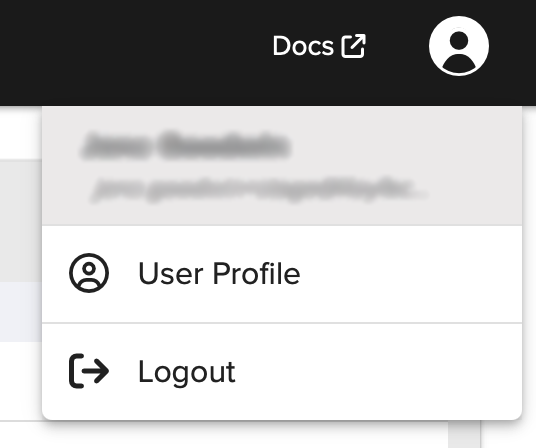
Under User Profile, you can view the following profile information:
-
Name
-
Username
-
Domain
-
Email
For more information about domains, see Domains.
Change Password
In User Profile, you can also change your password:
-
Click Change Password.
-
In the pop-up, fill in the current password, new password, and confirm the new password.
-
Click Change.
Preferences
In Preferences, you can toggle on or off Display feature tooltips to change the hover tooltip behavior.