.png)
After registering in the Keyfactor Customer Portal, specify additional information required for the deployment.
To configure your deployment:
-
Log into your account in the Keyfactor Customer Portal.
-
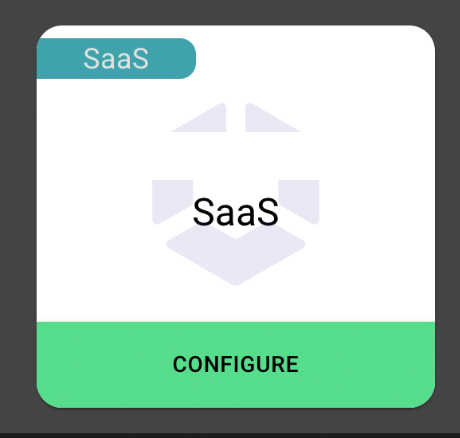
Click Configure.
-
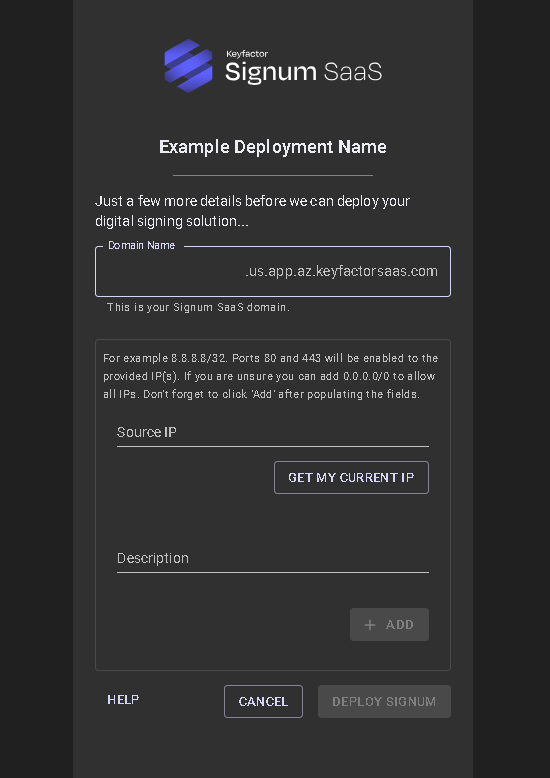
Specify the following information:
-
Domain Name: This domain name is added to public DNS. All URLs end with “app.az.keyfactorsaas.com”. This is the domain for the Signum deployment.
-
Source IP: This IP range is allowed access to the Signum system. Use the “Get my current IP” option to add your current public IP or add the CIDR-based address block to allow access to the Signum installation. Adding “0.0.0.0/0” allows all public addresses to access the deployment.
-
-
Click Deploy Signum. It takes approximately 30 minutes to finish deploying the infrastructure.
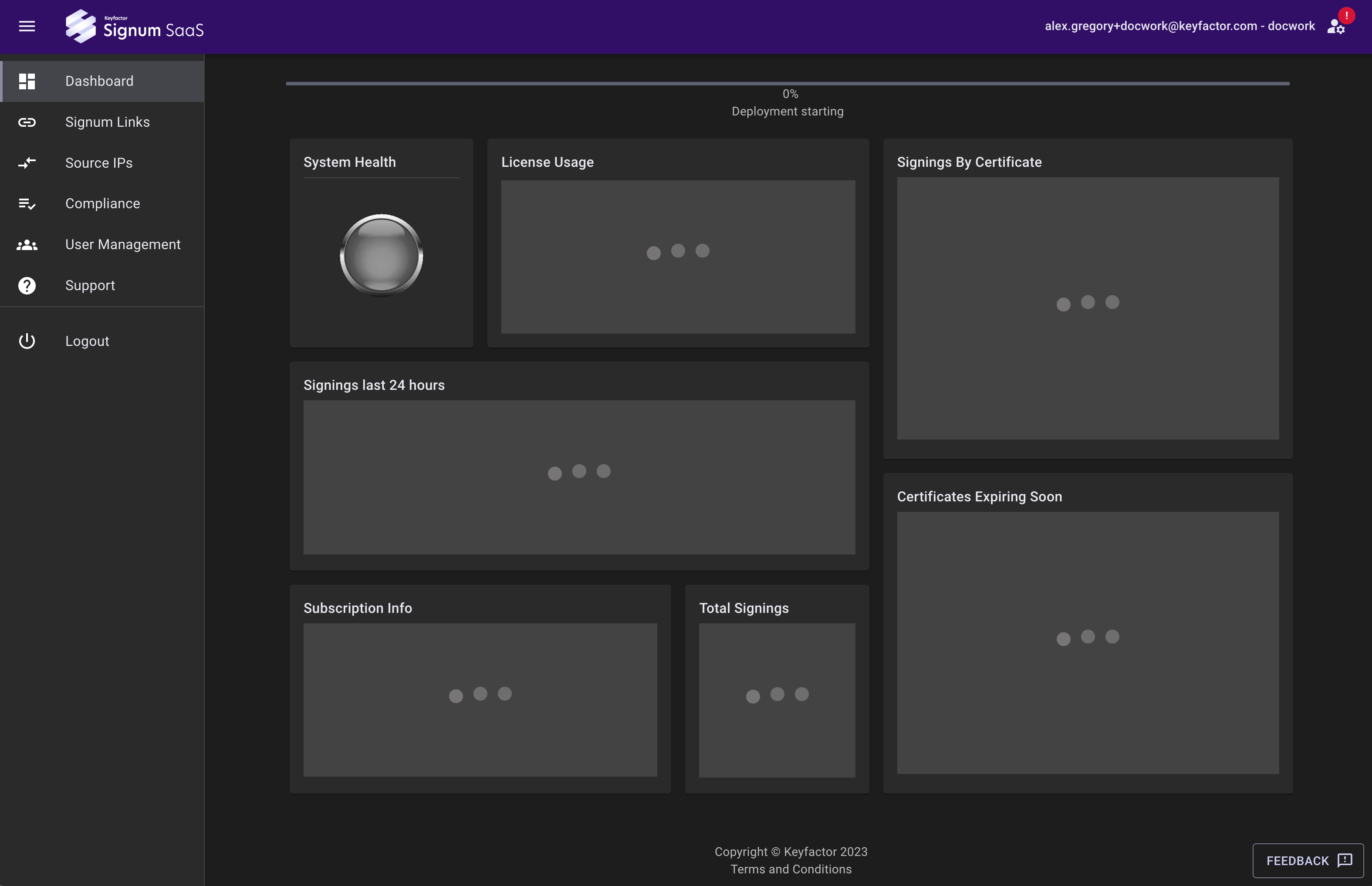
After deployment is completed, a pop-up appears confirming the completion and displaying the URL to the Signum Deployment. For information on navigating this portal, see Navigating the Signum SaaS Portal.