.png)
The Source IPs page allows control over what IPs can access the Signum deployment. At least one IP must be added to the access list.
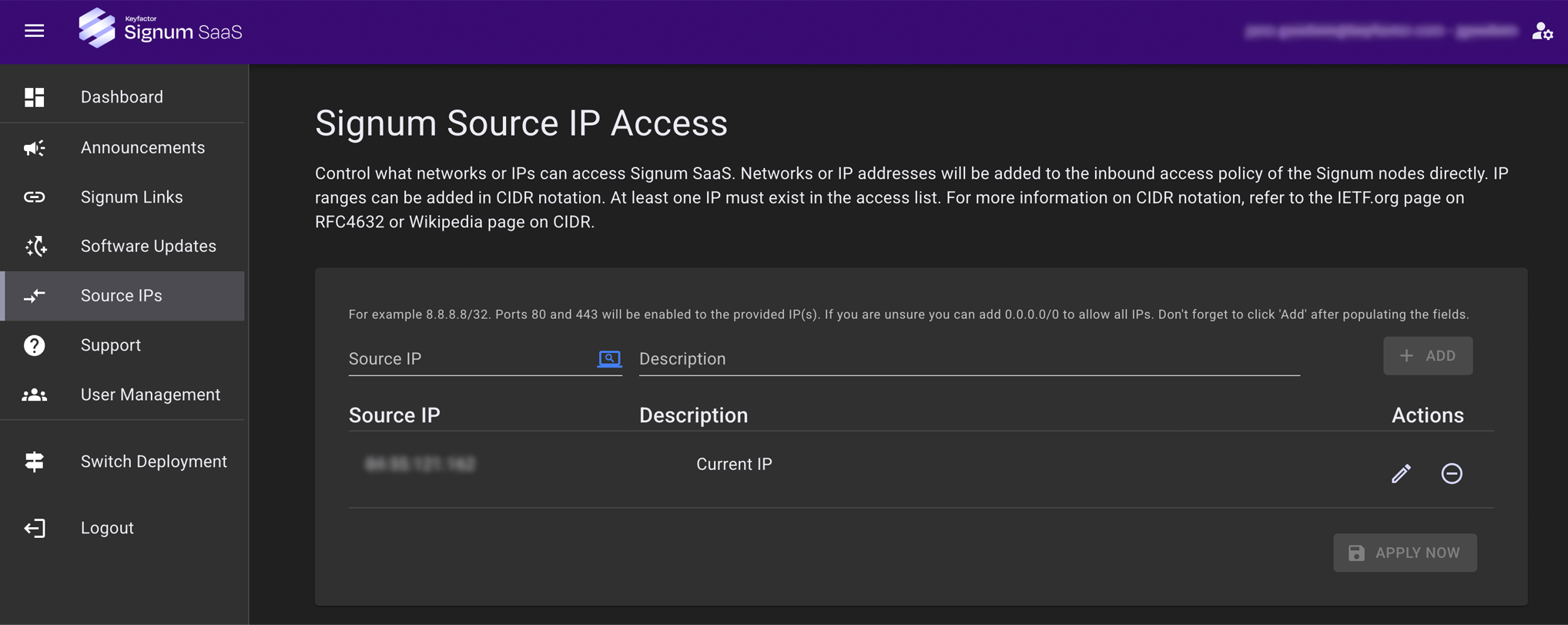
IP addresses here will be added to the inbound access to the Signum application directly, and need to be added in the CIDR notation. For more information on CIDR notation, refer to the IETF.org page on RFC4632 or Wikipedia page on CIDR. The Source IPs page is disabled during the provisioning process.
Adding a single IP without a CIDR notation will result in it being added with /32 (single IP).
Add Source IP
To add a new source IP:
-
Click the Get Current IP icon to populate the current IP address that the Signum SaaS Portal detects.
-
(Optional) Change the Description of the IP.
-
Click Add.