.png)
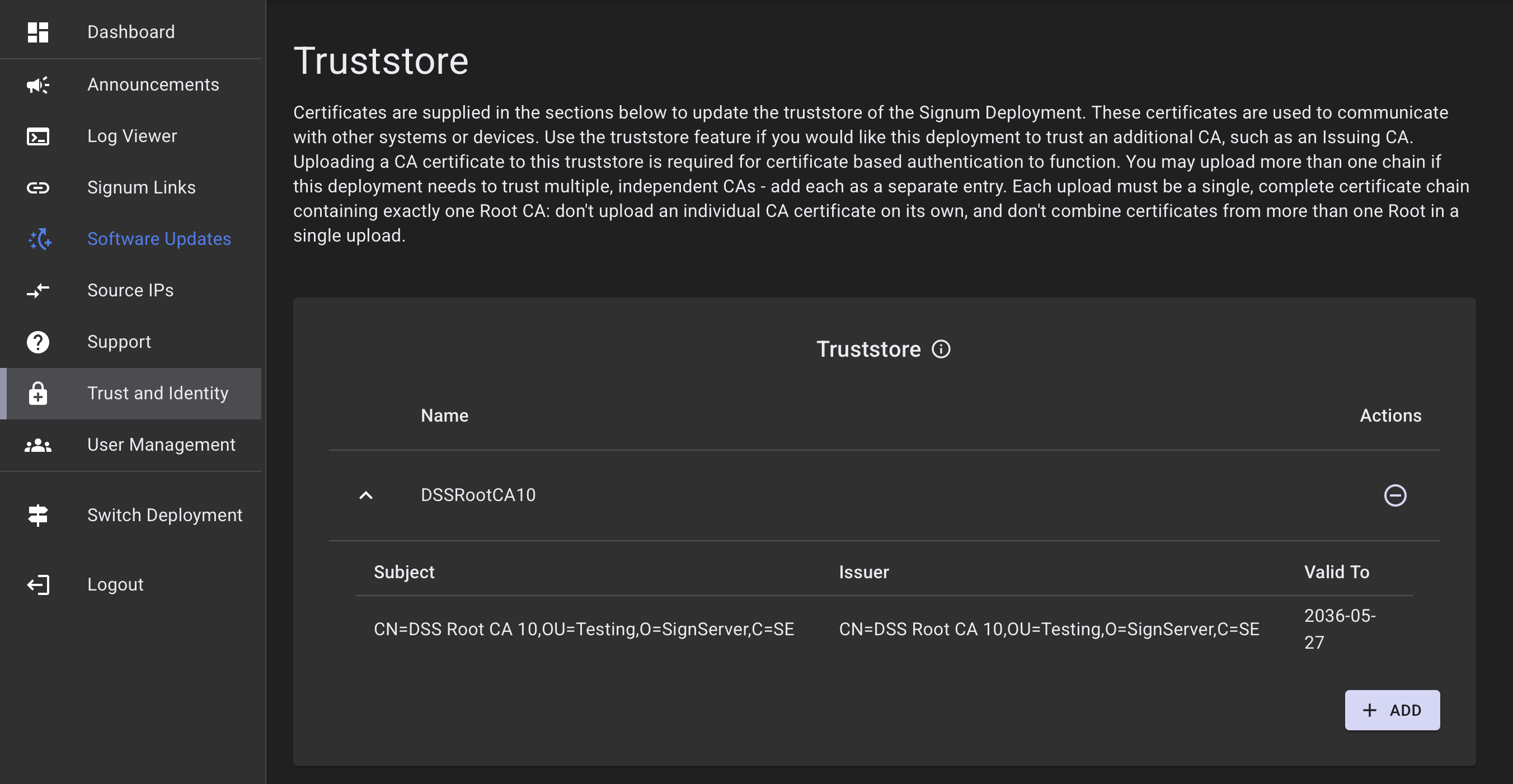
The Truststore of the Signum Deployment holds certificates used to communicate with other systems or devices. The Truststore allows your Signum SaaS deployment to trust an additional CA, such as an Issuing CA.
Trusting an Issuing CA is necessary in situations where a certificate originally issued from the Issuing CA is renewed by the End Entity via Enrollment over Secure Transport (EST).
When using certificate-based authentication, adding the CA to the Truststore is required. For more information, see Use Certificate-based Authentication.
Add Certificate
Each upload must be one complete certificate chain containing exactly one Root CA.
Do not upload a single CA certificate on its own, and do not combine certificates from more than one Root CA in a single upload. If this deployment needs to trust multiple, independent CAs, upload each chain as a separate entry.
To add a certificate to the Truststore:
-
Click Add.
-
In the pop-up, provide a name for the certificate.
-
Upload the certificate file. Accepted file types are .pem, .crt, and .cer.
-
Click Add.
After the certificate is added, you can view the Subject, Issuer, and Valid To date of the certificate.