.png)
The Signum Links page provides access to links to the Signum application resources:
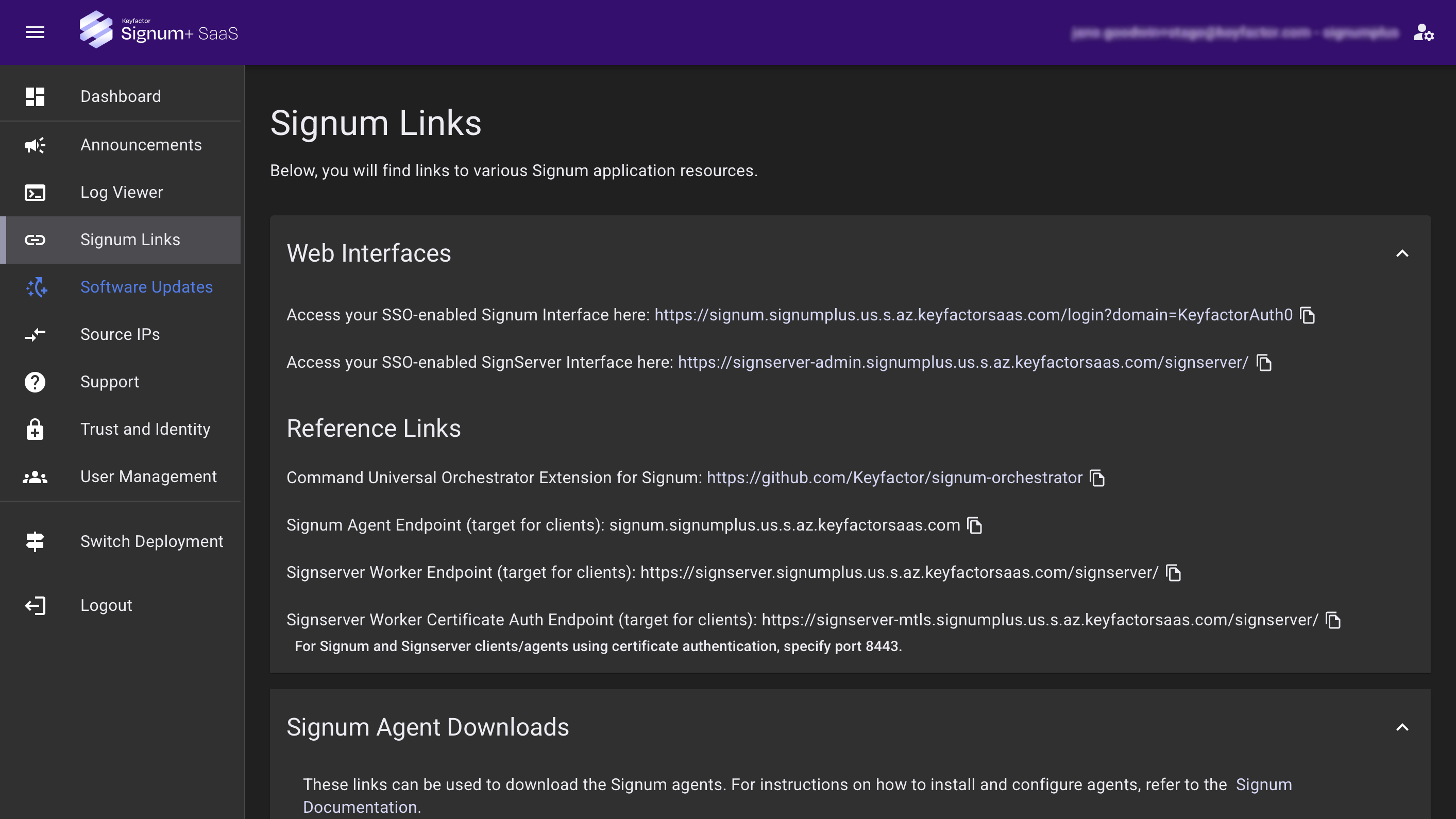
Web Interfaces
Signum Interface
The link takes you to your Signum Admin Web Console. Access the Signum Web Interface at any time by bookmarking the link to the web interface in your web browser.
SignServer Interface
The link takes you to your SignServer Admin Web, included in your Signum+ subscription. For more information, see SignServer Admin Web in the SignServer documentation.
Reference Links
Command Universal Orchestrator Extension
The Signum Orchestrator Extension supports inventorying certificate stored in a Signum instance. See GitHub - Keyfactor/signum-orchestrator.
Signum Agent Endpoint
The URL your tools and pipelines use to submit requests to a configured Signum Agent.
SignServer Worker Endpoint
The URL your tools and pipelines use to submit requests to a configured Worker. For more information, see Using SignServer with Signum.
SignServer Worker Certificate Auth Endpoint
The MTLS-supported alternative to the SignServer Worker Endpoint. For more information, see Using SignServer with Signum.
To use certificate authentication, you must specify port 8443. For more information, see Set Up Certificate-based Authentication.
Signum Agents
Use these links to download the Signum Agents. For instructions on how to install and configure Agents, refer to the Signum Agents.
For compatibility information, see Supported Versions.
SignServer SignClient
SignServer SignClient is a command-line tool for sending requests to the SignServer Workers.
Supports:
-
Submitting signing and timestamp requests
-
Testing Worker configurations
-
Automating signing in pipelines
For instructions on how to install and configure SignClient, refer to the SignClient Documentation.