.png)
Requirements:
-
OTP User must be removed.
-
The Domain Master Secret must be set.
-
The Backup Storage Location must be configured.
-
Log in to the Software Appliance.
-
Open the Backup page.
-
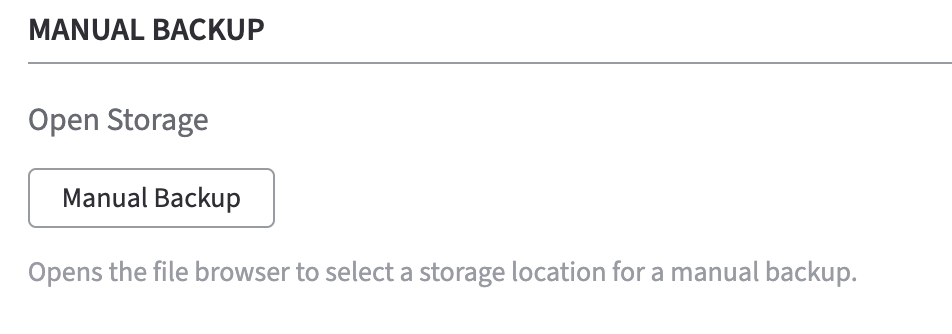
The Manual Backup section appears at the bottom of the Backup page in the Backup Storage section.
-
Click Manual Backup to reopen the storage browser.
-
Change the storage location for the manual backup if appropriate.
-
The Storage Information section under Backup Additions provides now space for Additional Notes.
-
Optional: in the Additional Notes field, enter some notes to be attached to this backup file.
-
-
Click Backup Now to trigger a backup on the current storage location.
-
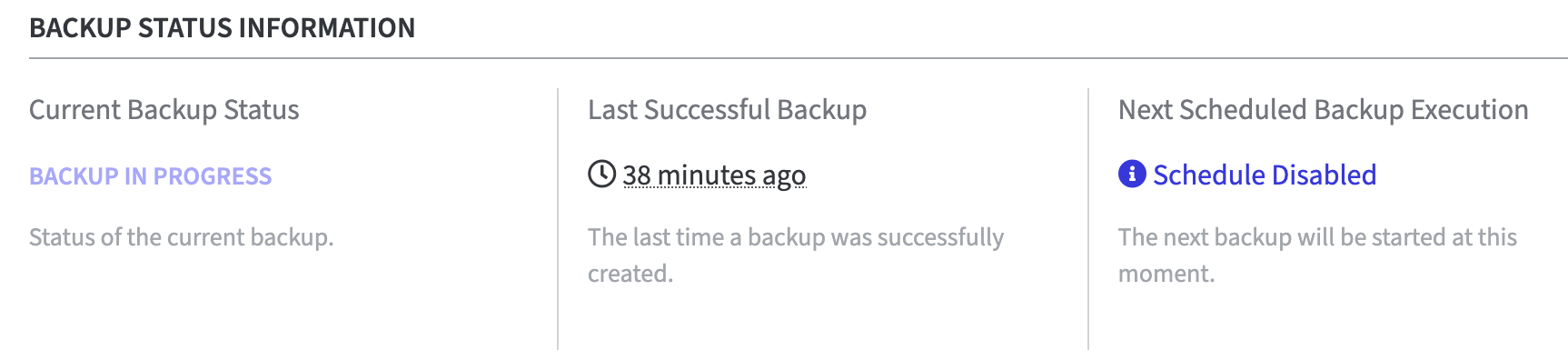
The storage browser is closed and the Backup Status Information is displayed.
A table with three columns provides information about the current backup status.-
Current Backup Status
-
NOT RUNNING
-
BACKUP IN PROGRESS
-
-
Last Successful Backup
-
The time in minutes/hours/days, etc., since the last successful backup.
-
-
Next Scheduled Backup Execution
-
Schedule Disabled
-
-
-
The Manual Backup was successful.
-
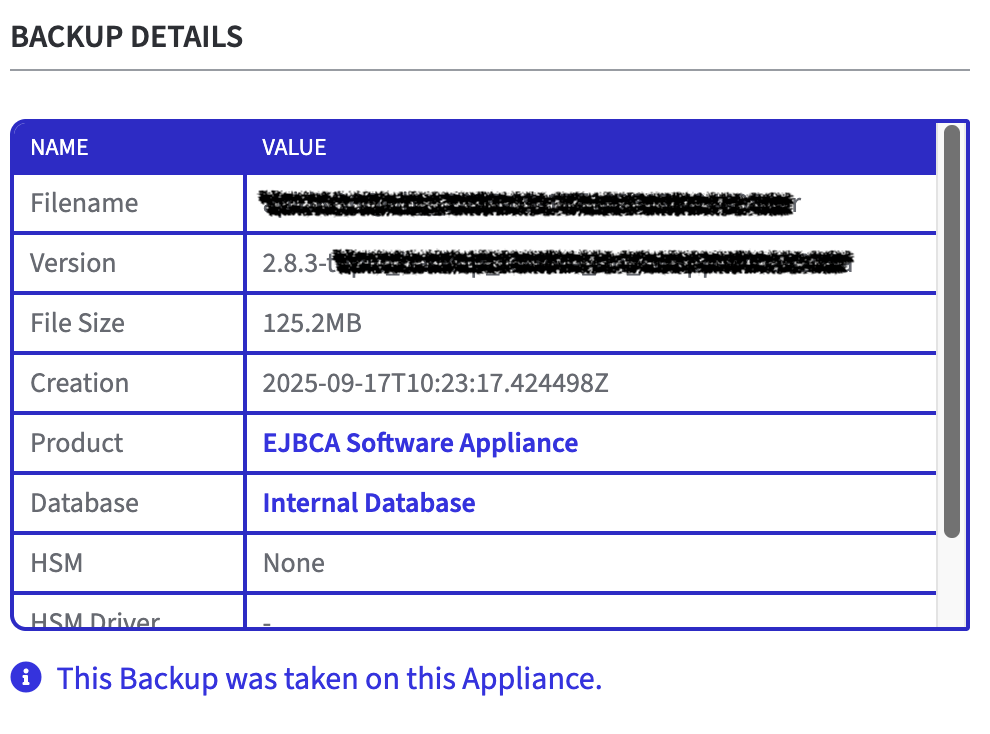
After a backup has been created, just return to the Storage Browser Backup Location and click on the backup you saved. In the Storage Information section a table is displayed with all Backup Details.