.png)
The following pages cover how to create, configure, and manage a cluster.
SoftHSM and Cluster
In case a SoftHSM is used on one of the cluster nodes, it is important to know that SoftHSM key material will not be synced between cluster nodes.
CVC in a Cluster
In case CVC is used, make sure to manually configure the same CVC settings on all nodes.
See Additional Application Settings Card Verifiable Certificates (CVC) for more information.
Unlock/Lock the Cluster Configuration
To make changes to the cluster configuration - for example, adding or deleting a node - you must first unlock the cluster configuration form. This is a security feature to prevent accidental changes to the cluster or simultaneous changes by different users. Proceed as follows:
-
Log in to your Software Appliance and open the Cluster page.
-
In the section Cluster Members, click Unlock to make changes.
The configuration form Add Cluster Node is locked by default.
After activation, a 5-minute timer starts.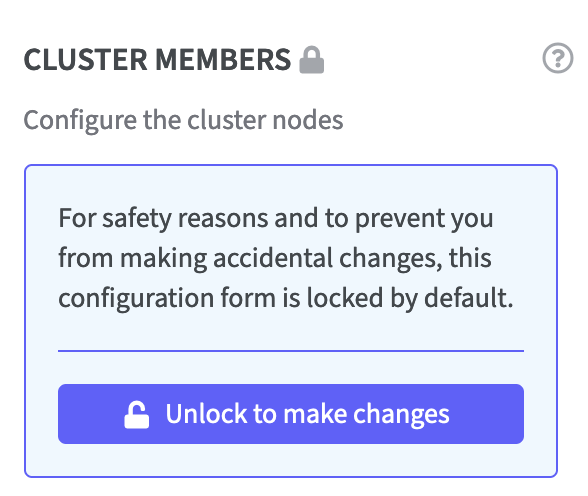
-
To monitor the status, the remaining time is displayed on the Webconf page as well as in the form Add Cluster Node.
Click Extent Lease to prolong the runtime if necessary.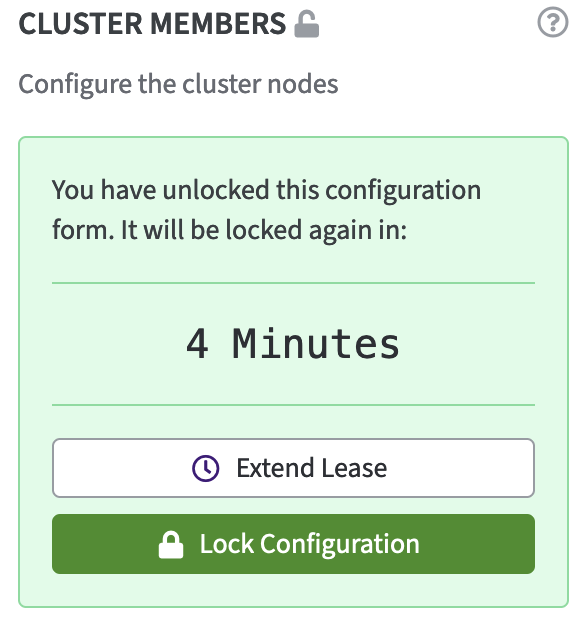
Information about locks is shared among all cluster nodes:
-
When you retrieve a lease on Node1, all other nodes are notified that Node1 is holding the lease:
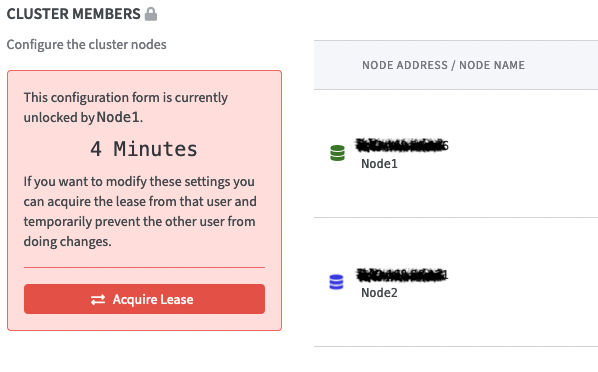
A user on another node can click Acquire lease to request the lease from you / Node1.
When you grant this, the lease will be held exclusively by that other node. It can only be requested again after it expires. -